New article
Recently updated
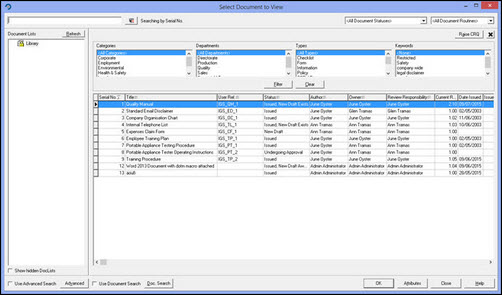
Changing to the DocList view in Workbench

The standard view in Workbench Document Control looks like this: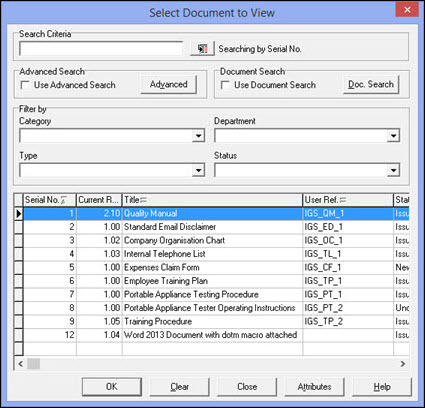
However, this can be changed to the DocList view where users can create DocLists which can then be shared.
1. In Workbench go to [File] | [User Preferences].
2. Click the [Workflow Settings] tab.
3. Double-click the 'Use DocLists for document classification and filtering' (alternatively you can click on the 'Use DocLists for document classification and filtering item' and then check the 'Use this workflow setting?' checkbox).
4. Click the [OK] button.
5. The DocList view is now activated.