New article
Recently updated
Finding the version of Workbench you are currently on

There are numerous ways to find the version of Workbench you are currently running. These also apply to Quality Workbench.
1. In the Workbench client go to [Help] [About Workbench Professional] (or [About Quality Workbench]). The version of Workbench is the System Version.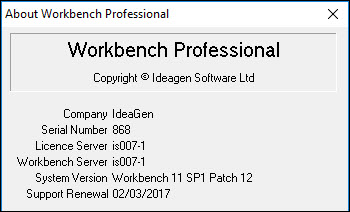
2. If you are experiencing problems with Workbench and cannot open the Workbench client, then you can get the information from the registry of the PC. Run regedit and navigate to the following key (assumes a 64Bit PC): HKEY_LOCAL_MACHINE\SOFTWARE\Wow6432Node\EQ Software Group\Atlas\Client\Connection Data\InterBase Objects\Local Host.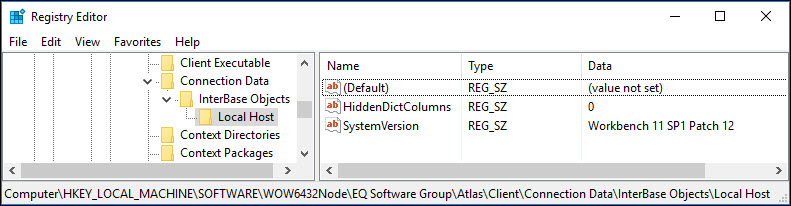
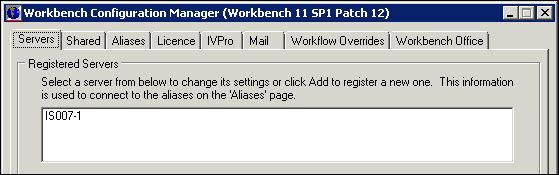
3. On the Workbench server, the version of Workbench is displayed in the title bar of the Workbench Configuration Manager.