New article
Recently updated
How to restore a locked out user in Workbench

The Password Configuration that controls account lockout is the 'Restrict number of login attempts' & the 'Number of login attempts allowed'.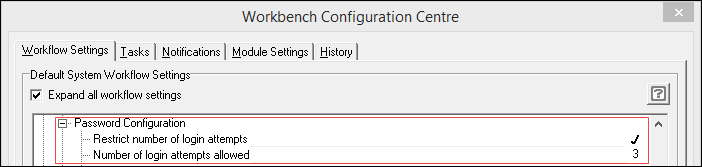
When a user has been unsuccessful and has been locked out of Workbench, they will receive this Warning: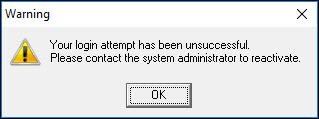
To unlock the users account, log into Workbench as 'admin' (or a user who has access to the relevant menu item), and then go to the System Manager module. Click [Configuration | User Logins] and then click [Restore Locked Out User].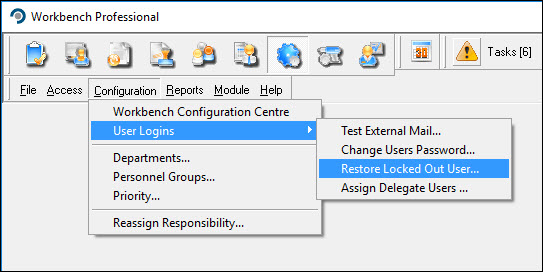
The currently locked out users appear in the list, click the user to highlight them and then click [OK].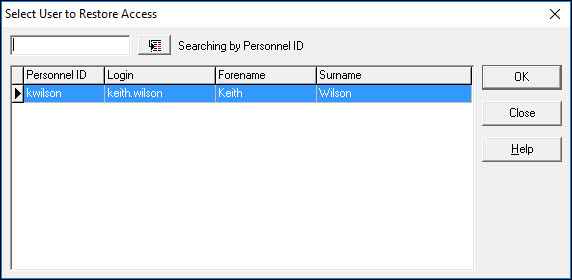
An Information message appears confirming the user has been restored so you can click [OK]. The user can now log into Workbench.