


New article
Recently updated
Purging a Complaint

A complaint has to be signed off or rejected at the assessment stage before it can be purged. Note that this action removes the complaint in its entirety from the database, including all corrective actions and historical information. Therefore access to the function should be controlled.
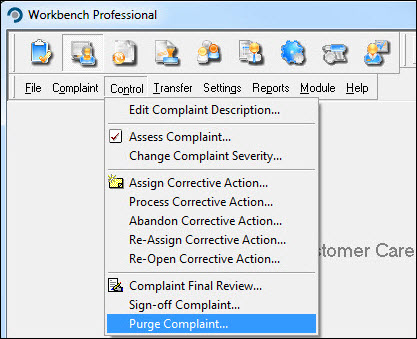
From the Customer Care module select [Control] [Purge Complaint] from the menu.
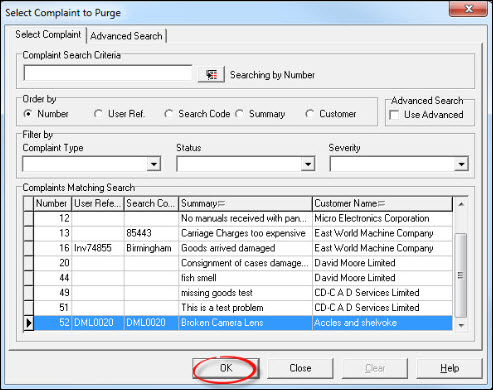
In the "Select Complaint to Purge" window, choose the complaint from the list and press [OK].
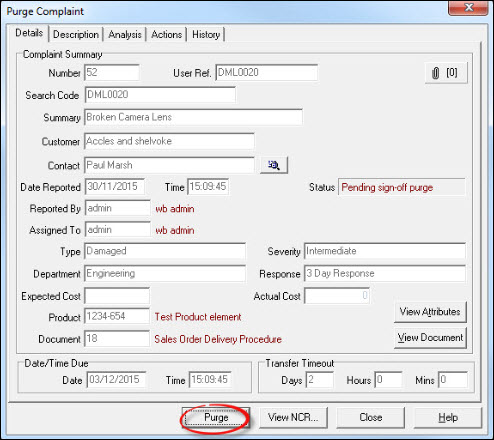
From the "Purge Complaint" window, press [Purge].
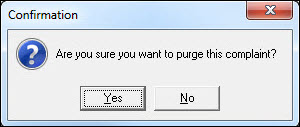
Respond [Yes] to the "Confirmation" message...
...and [OK] to the "Information" message.
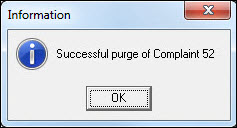
The complaint has now been purged. If required, repeat the process for other complaints or press [Close] to return to the Workbench Desktop.