


New article
Recently updated
Editing a Document

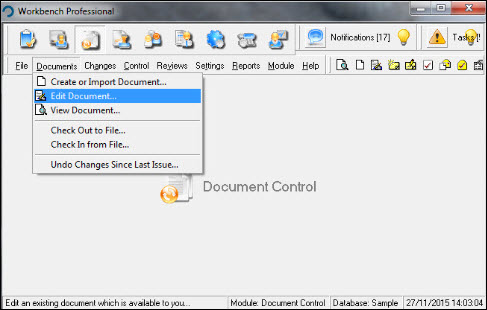
From the Document Control module select [Documents] [Edit Document...] from the menu.
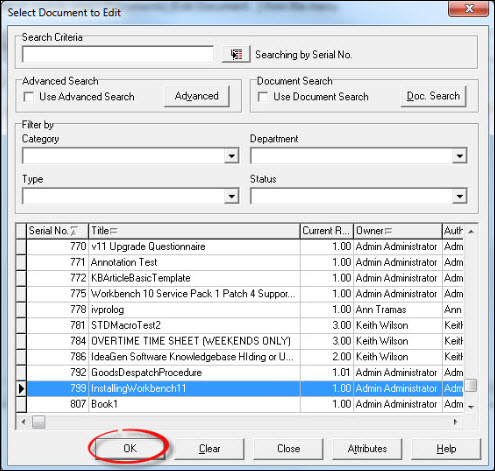
Locate the document to be edited from the list displayed in the "Select Document to Edit" window. Press [OK].
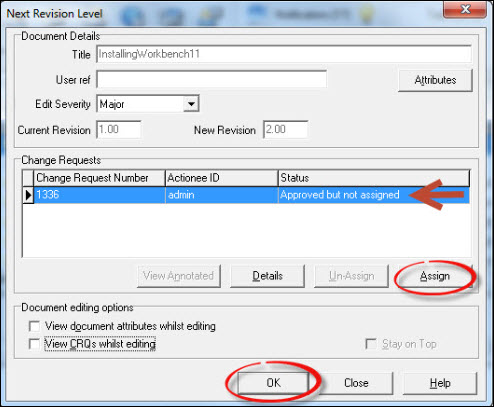
Assign the document by highlighting the Change Request number and pressing [Assign]. Increment the revision level and select from the Document editing options if required. Press [OK].
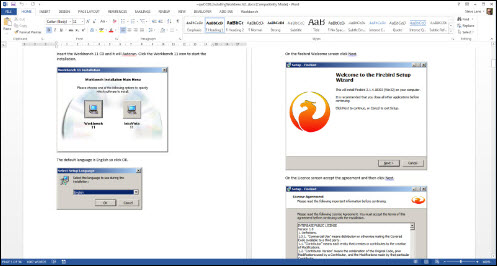
Edit the document, save the changes and exit.
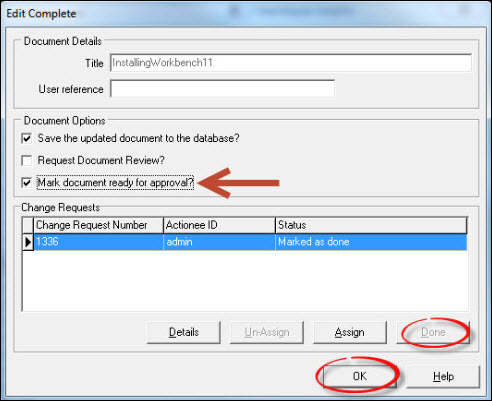
From the "Edit Complete" window press [Done] and select Mark document ready for approval from the Document Options. Press [OK].
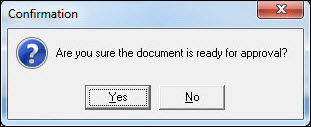
Respond [Yes] to the "Confirmation" message.
Editing is now complete and the document is ready to undergo the approval process. Exit from the "Select Document to Edit" window to be returned to the Workbench Desktop.