


New article
Recently updated
Deleting a Draft Document

Deleting a draft document can only be done if the document is a brand new unissued type, i.e. one that has just been imported or created but never issued. Those documents that have been issued will not appear in the list to be deleted.
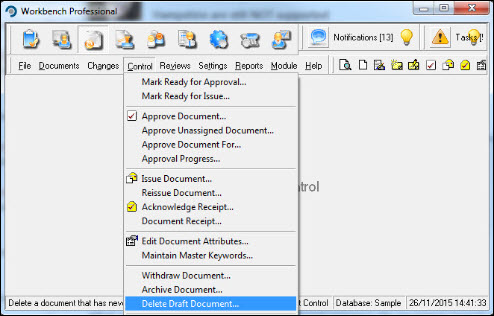
From the Document Control module select [Control] [Delete Draft Document...] from the menu.
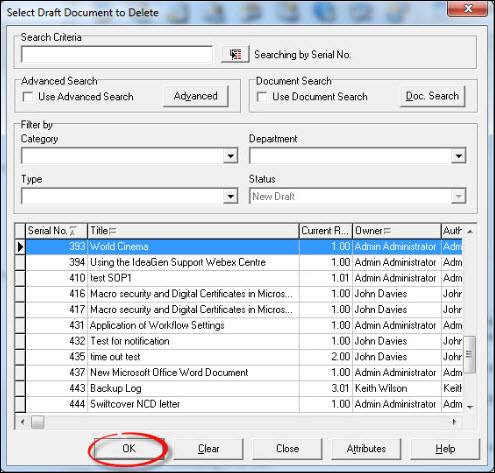
Locate the document that is to be deleted from the list displayed and press [OK].
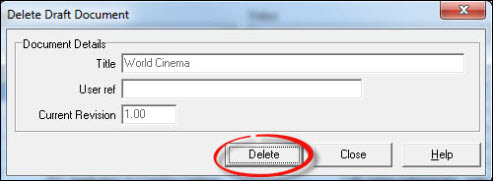
From the "Delete Draft Document" window press [Delete].
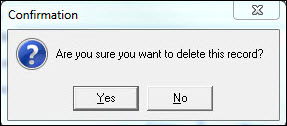
Respond [Yes] to the "Confirmation" message.
The document is deleted and you are returned to the document list where further documents can be selected for deletion, or press [Close] to return to the Workbench Desktop.