


New article
Recently updated
Acknowledging Receipt of a Document

Acknowledging receipt of a document is carried out either from the [Control] [Acknowledge Receipt...] menu in the Document Control module or from the users Tasks box. For the purpose of this article the process will be carried out via the Tasks box.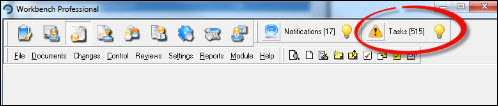
Click on the  icon to open the "Tasks" window. 'Double Click' the relevant task to open it.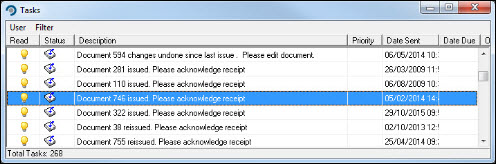
Respond [Yes] from the "Acknowledge Receipt" window.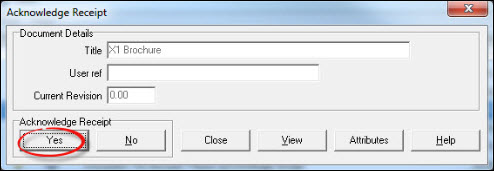
Workbench may be configured to require the document to be viewed before proceeding. If this is the case press [OK] and, back in the "Acknowledge Receipt" window, press [View].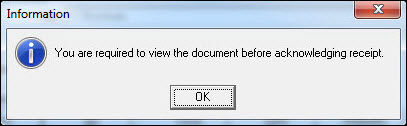
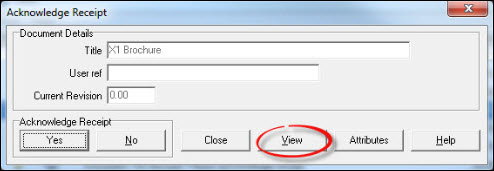
After viewing the document respond [Yes].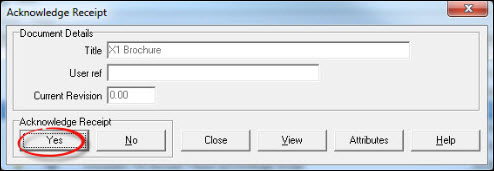
Acknowledgement is complete. Exit from the Tasks box or menu.