


New article
Recently updated
Transference of Complaint or Action Ownership

From time to time it may be necessary to request help with an action or for the whole complaint to be given to someone else. If you feel you are unable to deal with the complaint or the action on that complaint then you may request that someone take over ownership of that task.
From the [Transfer] menu, select [Raise Request].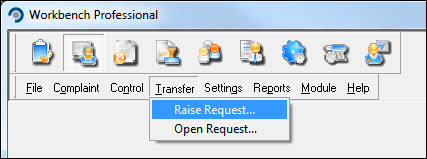
Transferring a Complaint
The "Transfer Complaints and Actions" window opens. Select [Add] from the [Complaint] tab.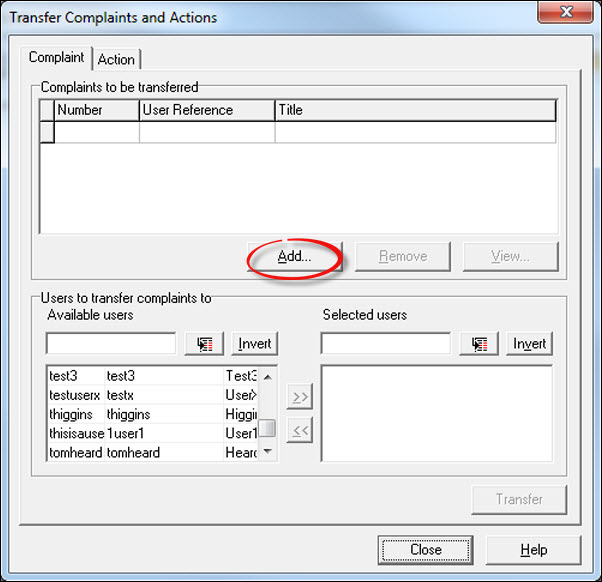
The "Select Complaint to Transfer" window opens. Locate the complaint required and press [Select].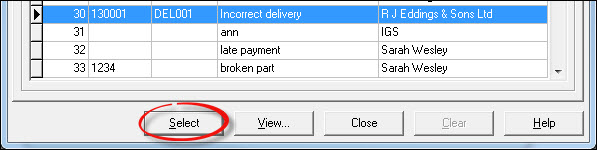
From the list of available users, add the person to whom the complaint is to be transferred to and press [Transfer].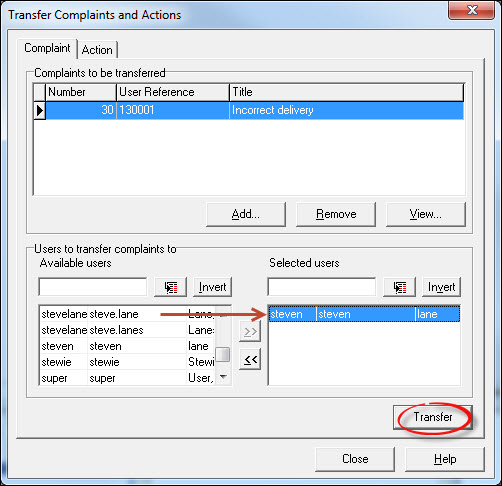
Respond [Yes] to the confirmation message.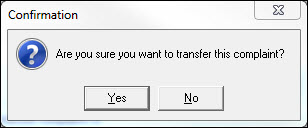
Add a Transfer Reason from the drop-down list along with any notes if required. The Transfer Reason is mandatory, the Notes are not. Press [OK] when done.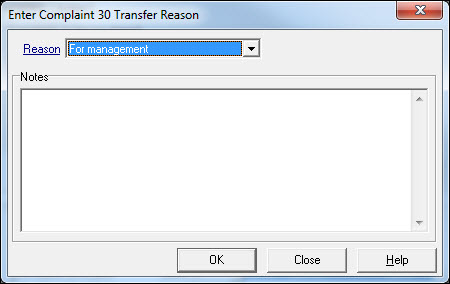
The transfer request is complete. Add further requests if required or [Close] to return to the Customer Care module. The person to whom the transfer request was made will receive a Task allowing them to accept or reject the transfer.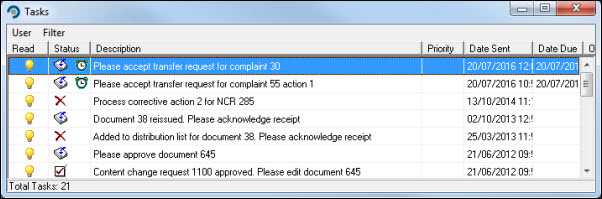
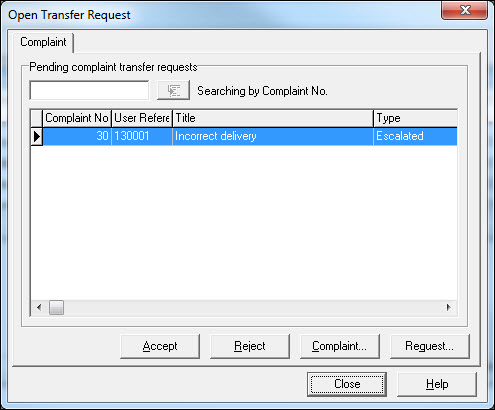
Press [Accept] and respond [Yes] to the Information message.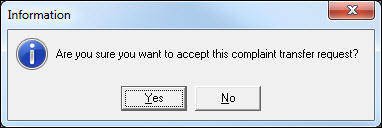
The complaint can be processed by means of a follow-up Task.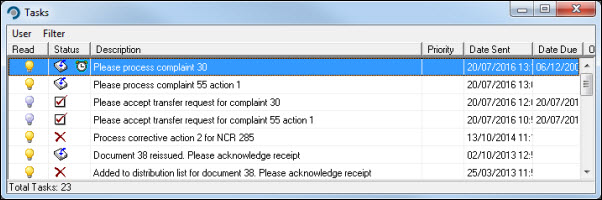
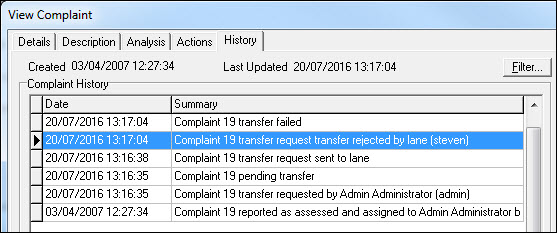
Appropriate audit entries are appended to the complaint history, which is also updated if a request is rejected.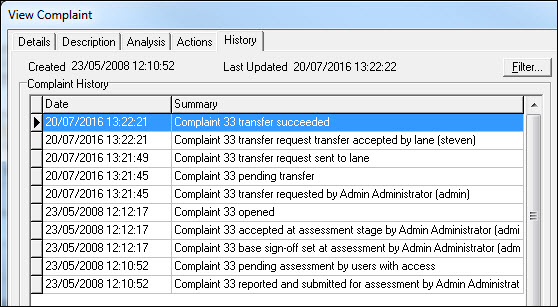
Transferring a Corrective Action
If any Corrective Actions are to be reassigned, select the [Action] tab and press [Add] to locate the action.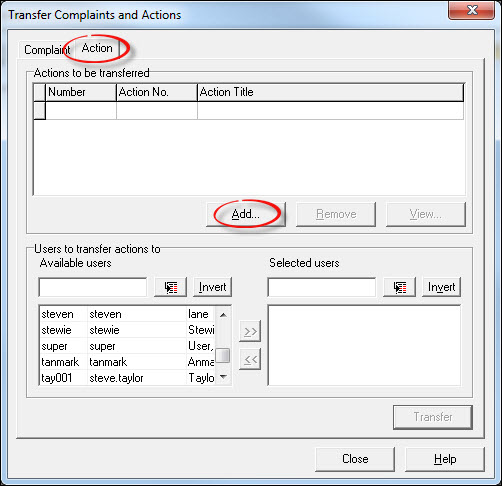
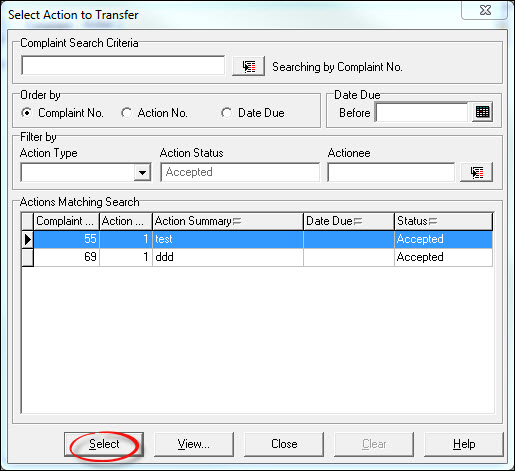
Pressing [Select] adds the action.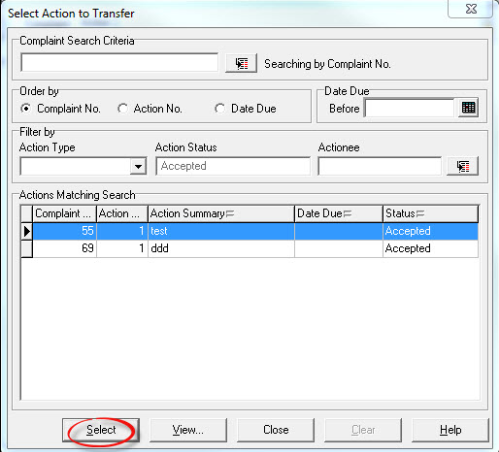
From the list of available users, add the person to whom the action is to be transferred to and press [Transfer].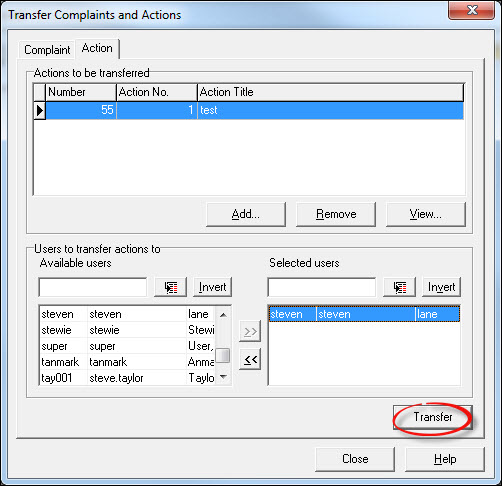
Respond [Yes] to the confirmation message.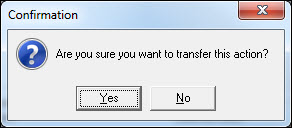
Add a Transfer Reason from the drop-down list along with any notes if required. The Transfer Reason is mandatory, the Notes are not. Press [OK] when done.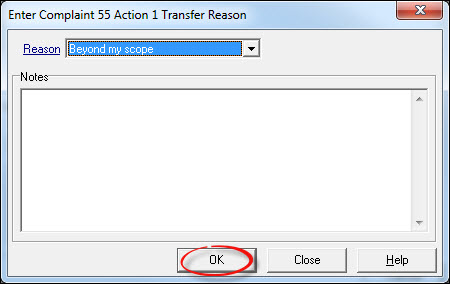
The transfer request is complete. Add further requests if required or [Close] to return to the Customer Care module. The person to whom the transfer request was made will receive a Task allowing them to accept or reject the transfer.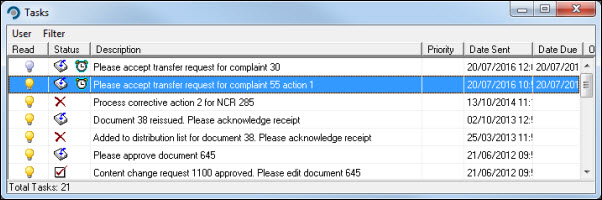
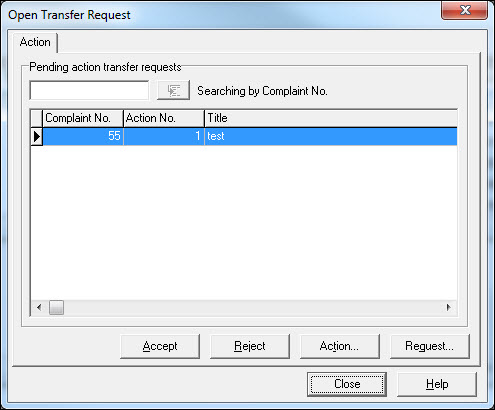
Press [Accept] and respond [Yes] to the Information message.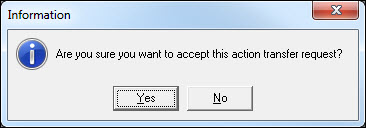
The action can be processed by means of a follow-up Task.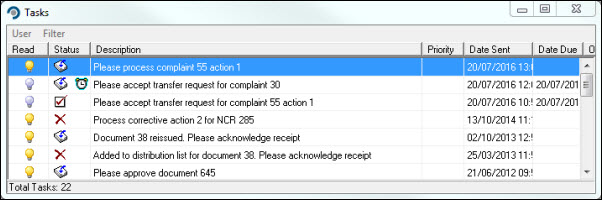
Appropriate audit entries are appended to the complaint history, which is also updated if a request is rejected.