


New article
Recently updated
Purging a Nonconformity (NCR)

Purging a NCR removes it from the database completely, along with all associated corrective actions and information such as history. A Purge can be carried out when a NCR has been withdrawn or rejected. Only the owner or admin can carry out the task.
From the Nonconformities module, select [Control] [Purge NCRs...] from the menu.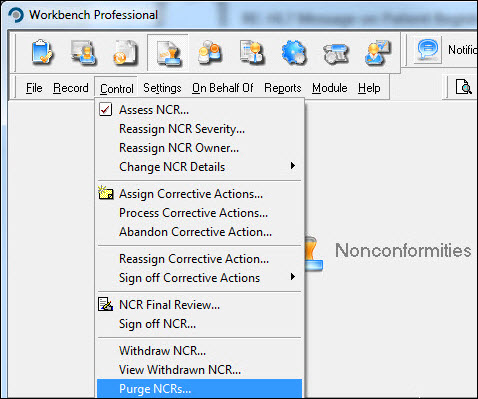
Highlight the NCR from the list displayed in the "Select NCR to Purge" window and press [Select].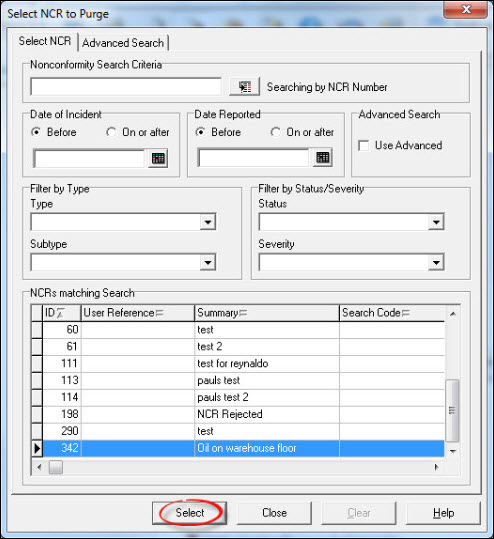
Press [Purge] and respond [Yes] to the Confirmation message.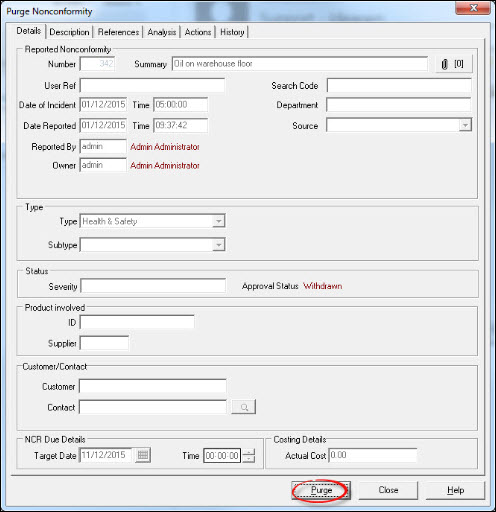
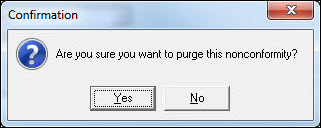
The NCR has now been purged from the database. Select another NCR to purge or press [Close] to return to the Workbench Desktop.