


New article
Recently updated
Windows 7 PCs display US date format instead of UK

1. In Control Panel type region in the search box in the top right-hand corner and then click Region or Region and Language (depending on the version of Windows).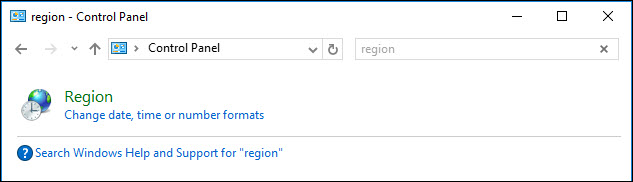
2. On the Formats tab use the drop-down list under Format to select anything else but English (United Kingdom). Click Apply but do not close the Region or Region and Language dialog.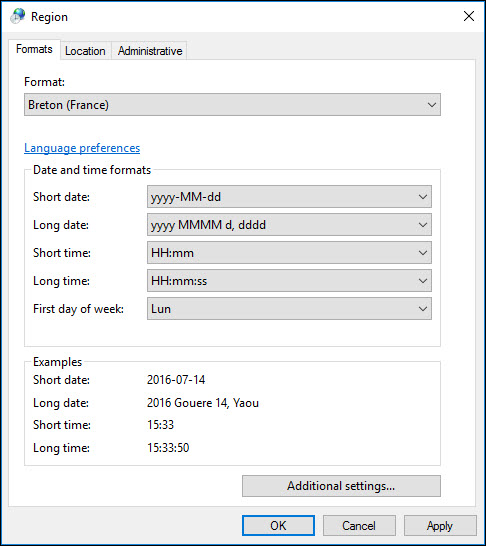
3. Now change the Format back to English (United Kingdom) and click [OK]. Close Control Panel.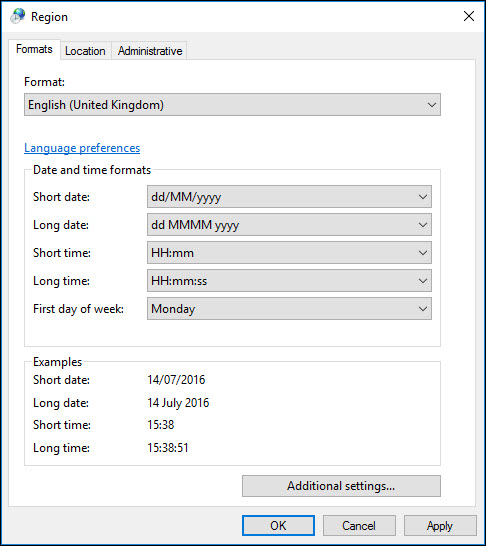
The date format should now display correctly in Workbench.