


New article
Recently updated
How to reserve a licence in Workbench

Please note: This process requires a restart of the Workbench Services which will disconnect all users. Therefore it is better to carry this out during downtime or out of hours.
On the Workbench server run the Workbench Configuration Manager and click on the Licence tab, then click the [Reserve] button.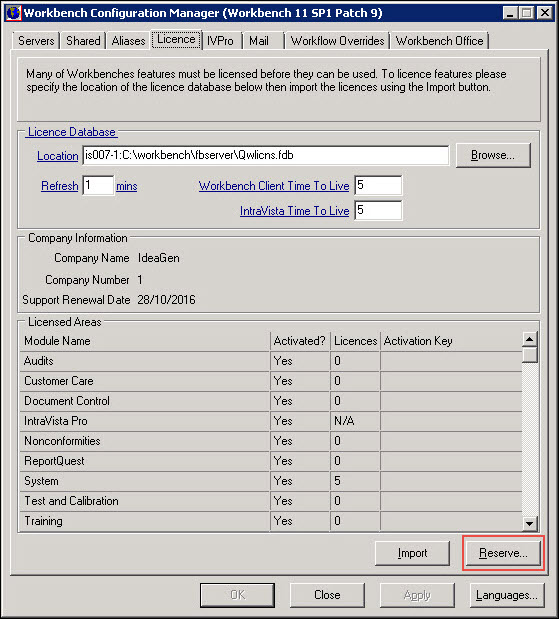
Enter the users' Personnel ID into the 'Licence reserved for' field and click [OK] (this is usually admin or the main Workbench admin user).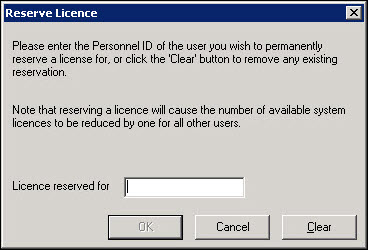
On the Workbench Configuration Manager click the [OK] button and click [Yes] to the dialogs asking to restart the Workbench services.