


New article
Recently updated
Approve the Results of a Test

Upon completion of a test, it may be necessary to Approve the Results of that test.
The user nominated as Results Approver will be sent a task, or e-mail, or can use the Test Menu.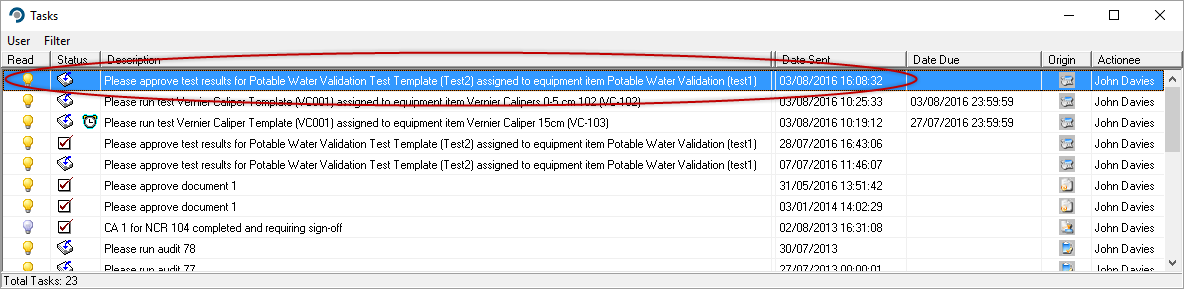
Check through all the results, including any supporting documentation attached to the Test using the attachments feature.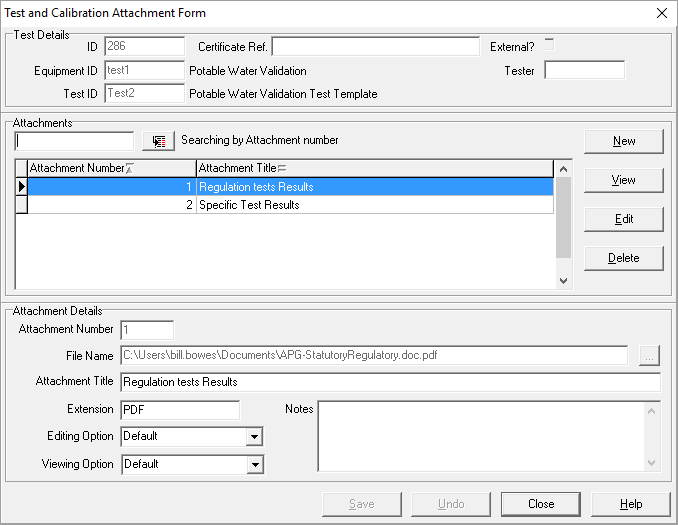
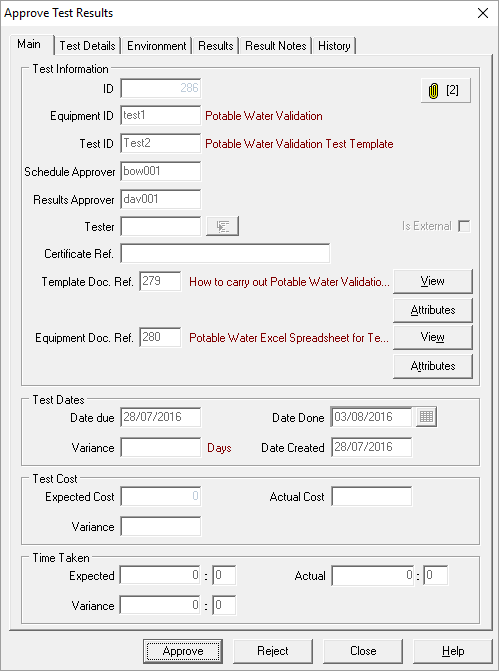
If all the results are satisfactory, the select the approve button, and add your password in the required pop up dialogue.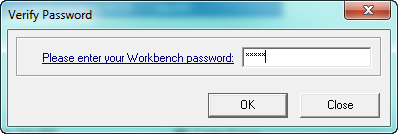
No changes can be made to the results once approved.