


New article
Recently updated
Issuing a Document

Document can be issued either from the [Control] [Issue Document...] menu in the Document Control module or from the users Tasks box. For the purpose of this article the process will be carried out via the Tasks box.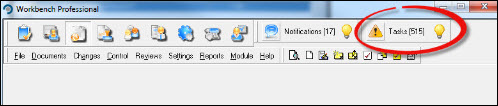
Click on the  icon to open the "Tasks" window. 'Double Click' the relevant task to open it.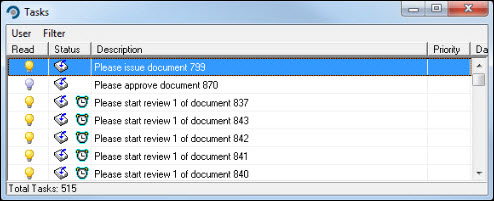
The "Issue Document" window opens, defaulting to the [Issue] tab. Select any options relevant to the issue for the document adding, if required, any courses via the [Courses] tab. Press [Issue].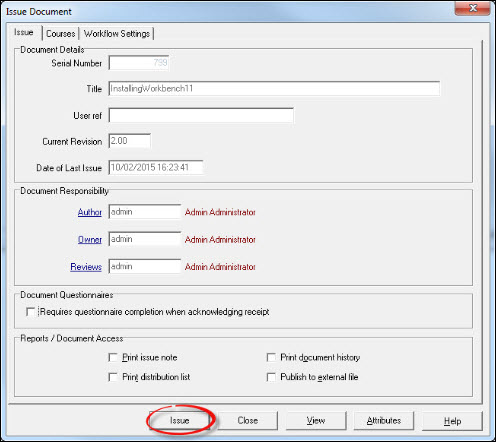
If any approval notes exists, an opportunity is provided at this stage to view them. Respond accordingly.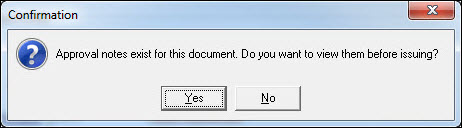
Respond [OK] to the Information message.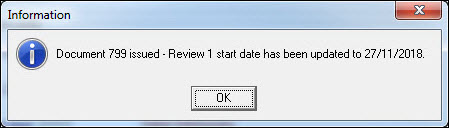
The document has now been issued. Exit from the Tasks box or menu item.