


New article
Recently updated
Changing a Workstation from Standard Document View to Doclist View

The doclist view in Workbench allows the user to create and maintain individual document lists for classification and filtering. It is a more powerful mechanism than the standard view, providing a user with a means of identifying and retrieving documents more efficiently.
"Standard" View;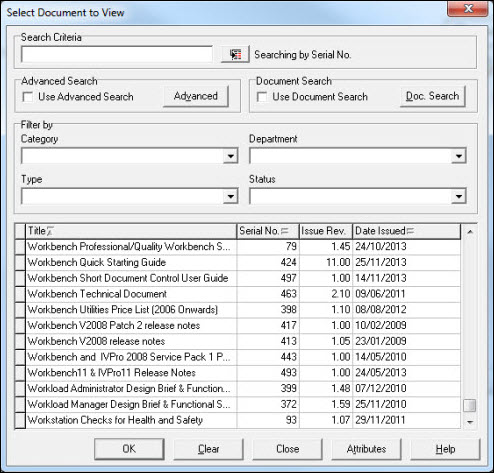
"DocList" View;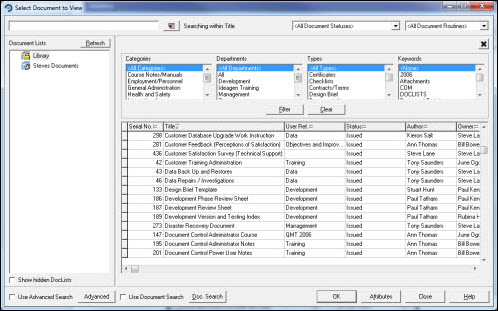
Assuming the user is already logged into Workbench, select [File] [User Preferences...] from the Menu.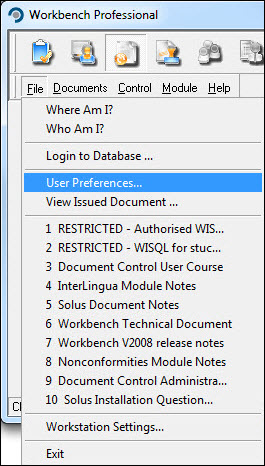
The [User Preferences] window opens. Select the [Workflow Settings] tab.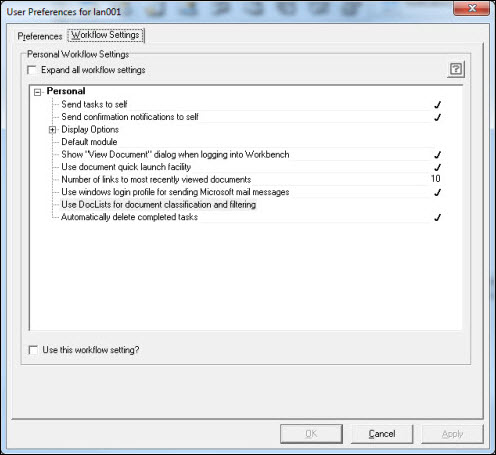
Highlight the Use DocLists for document classification and filtering workflow and place a tick in the Use this workflow setting? box.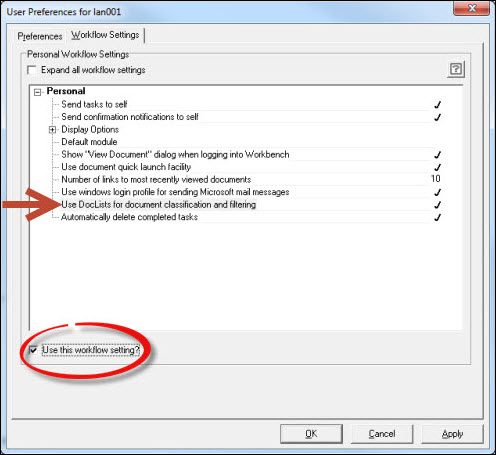
Press [Apply] and respond [OK] to the confirmation message.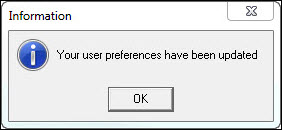
Press [Cancel] to exit from the User Preferences.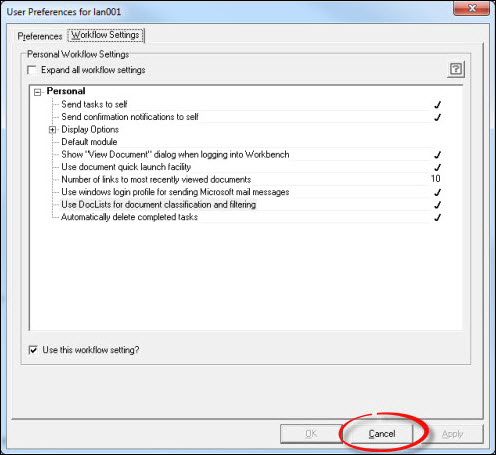
DocList view is now active.