New article
Recently updated
Signing off a Nonconformity (NCR)

A Non-conformance must have undergone final review before it can be signed off. At this stage the sign off can be declined, actions can be re-opened and further actions taken to ensure the NCR is complete.However, it is not possible to make any amendments to the main NCR fields, but it is possible to append to the description. Should any other amendments be needed the NCR sign-off must be rejected and reasons made clear in the mandatory rejection dialogue screen.
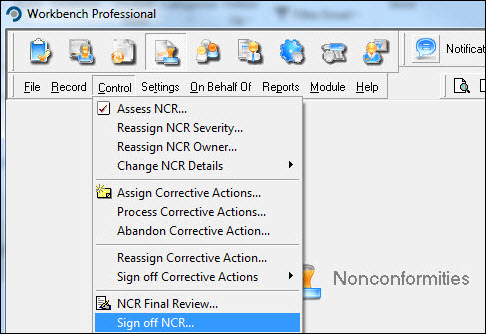
From the Nonconformities module, select [Control] [Sign off NCR...] from the menu.
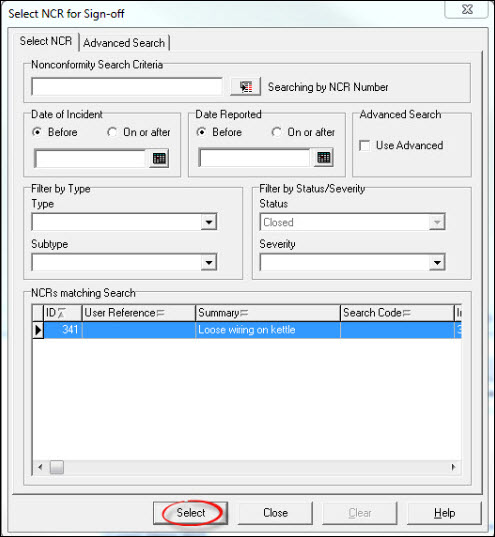
Highlight the NCR from the list displayed in the "Select NCR for Sign-off" window and press [Select].
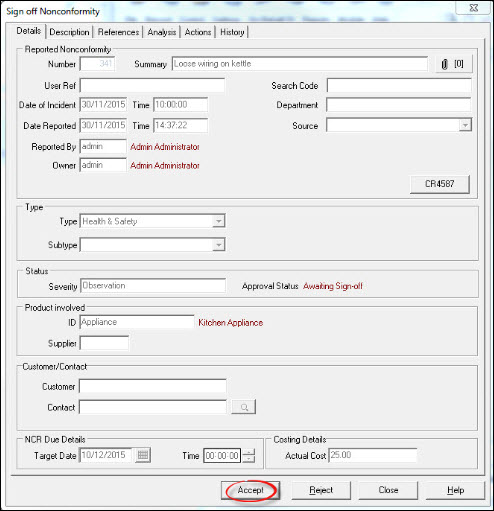
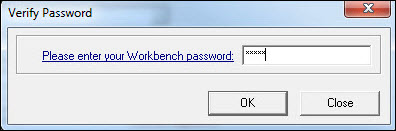
Press [Accept], enter a password and [OK].
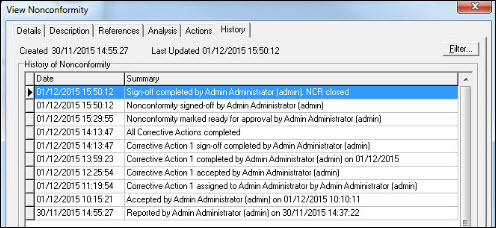
Select another NCR for Sign-off or press [Close] to return to the Workbench Desktop. Historical information is written to the NCR History (viewable from [Record] [View NCR...]) for audit purposes.