New article
Recently updated
Setting up a Default Workbench Module

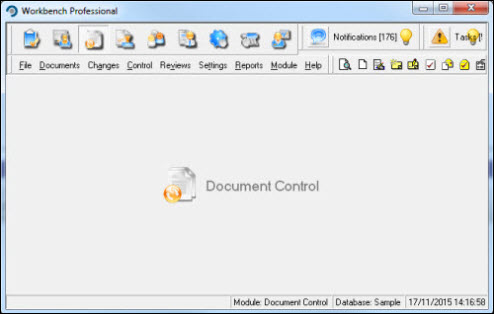
To speed up module selection up when logging in to Workbench, it is possible to configure a users workstation to automatically load a specified module. This can be useful, for example, if the user spends most of their time working in a particular module (e.g. Document Control) and wishes to be presented with this module immediately after logging in.
Below is a screenshot of the software immediately after logging in. As can be seen, the user needs to select the module they intend to work in from the [Module] menu.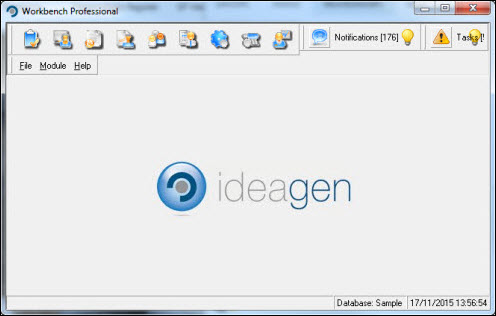
From the menu items, select [File] [User Preferences...].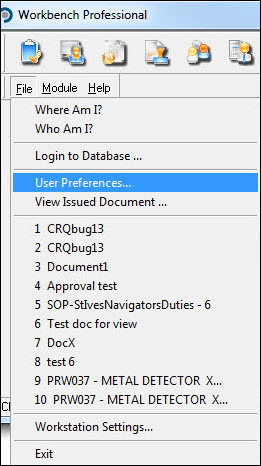
Select the [Workflow Settings] tab and highlight the Default Module setting.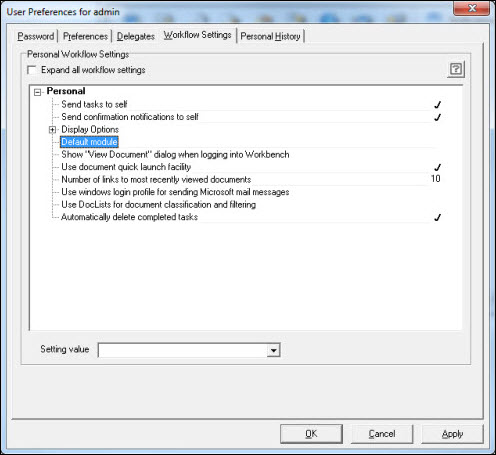
From the Setting Value drop - down box, select the default module required (in this case Document Control). Press the [Apply] button.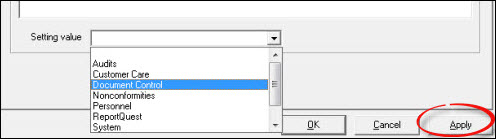
Respond [OK] to the Information message.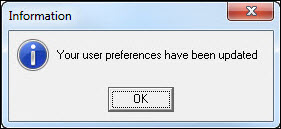
Press [Cancel] to exit from the "User Preferences" window.
When next logging in to Workbench, the user will be immediately taken to the module specified.