


New article
Recently updated
How to import a Licence into Workbench

The licence file supplied by Ideagen Gael will be a .EQL file. Copy it to the server so it is accessible for import. Run the Workbench Configuration Manager and click on the [Licence] tab, then click the [Import] button.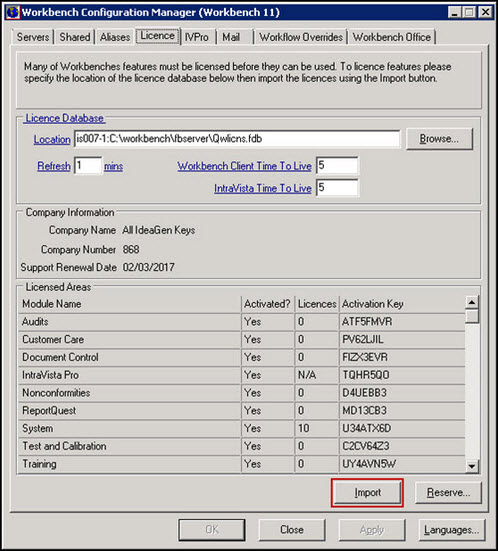
Click on the licence file and the click [Open].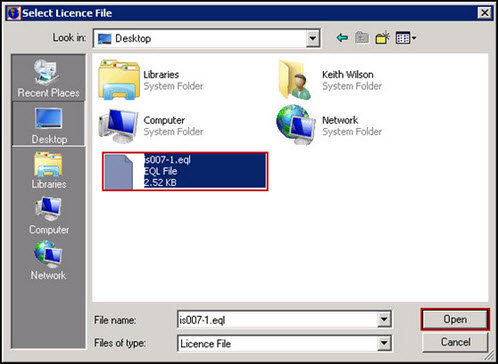
On the Information dialog click [OK].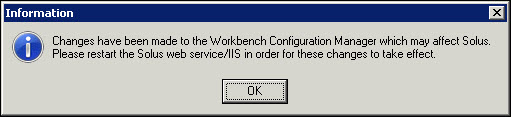
On the first Confirmation dialog click [Yes].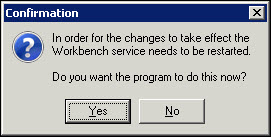
On the second Confirmation dialog click [Yes].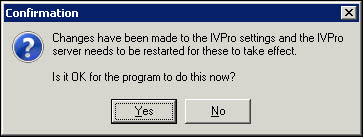
You will know when the process has completed because the [OK] and [Apply] buttons will be ‘Greyed out’.