


New article
Recently updated
Fix for registry key warning when running Workbench

Please note: Users may need an IT Administrator to help with this fix.
When running Workbench the user receives a Warning: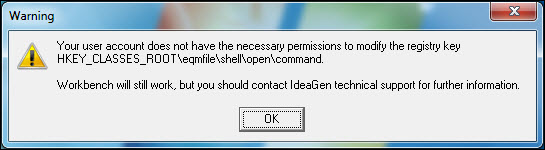
Right-click the Workbench icon and choose [Run as administrator]. If the UAC (User Account Control) User Name and Password boxes appear, your IT admin will need to enter their credentials. This will only need to be done once, usually the first time after Workbench has been installed. When this step has been completed the message no longer appears when running Workbench.