


New article
Recently updated
How to hide a database from the database selection drop down on a client

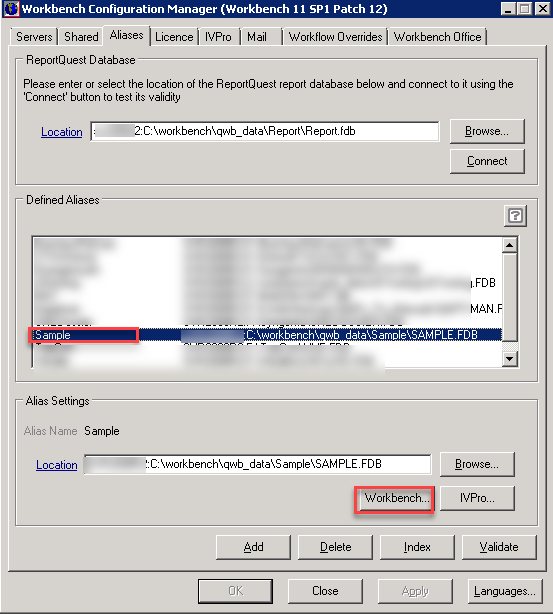
On the server in the run the Workbench configuration manager as administrator and select the Alias Tab
Select the database in question and then click the Workbench button
Uncheck the checkbox Alias visible in Workbench client
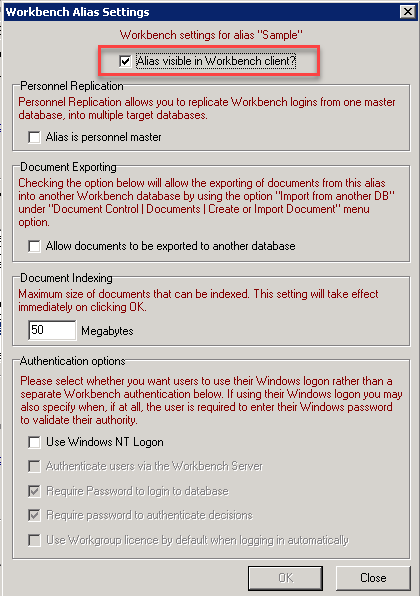
Click OK to close the dialogue, bear in mind if you have IVPro you'll have hide the alias in there too.
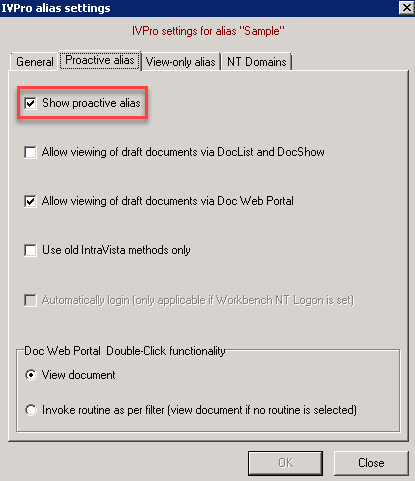
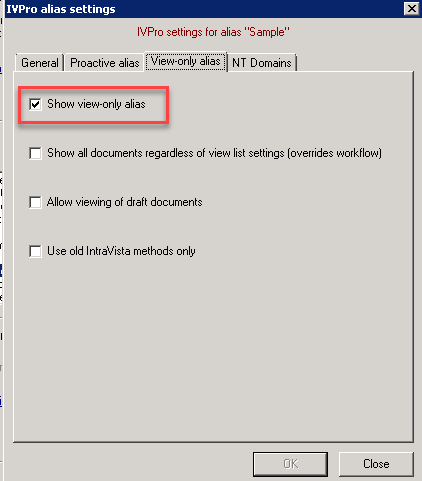
Click the IVPro button and uncheck the Show proactive alias and Show view-only alias boxes on the respective tabs, then click ok to return to the Alias tab.
and then click Apply back on the Alias tab and say Yes to restart services.
You'll have to do this on each database that you want to hide.